Retail billing made faster
Create POS sales, manage customers and keep invoices organized so the counter can move faster during busy hours.
Retail shops need quick sales entry, accurate product records and clear daily reports. ApnaPOS gives retailers a practical cloud POS system for billing, inventory and shop management.
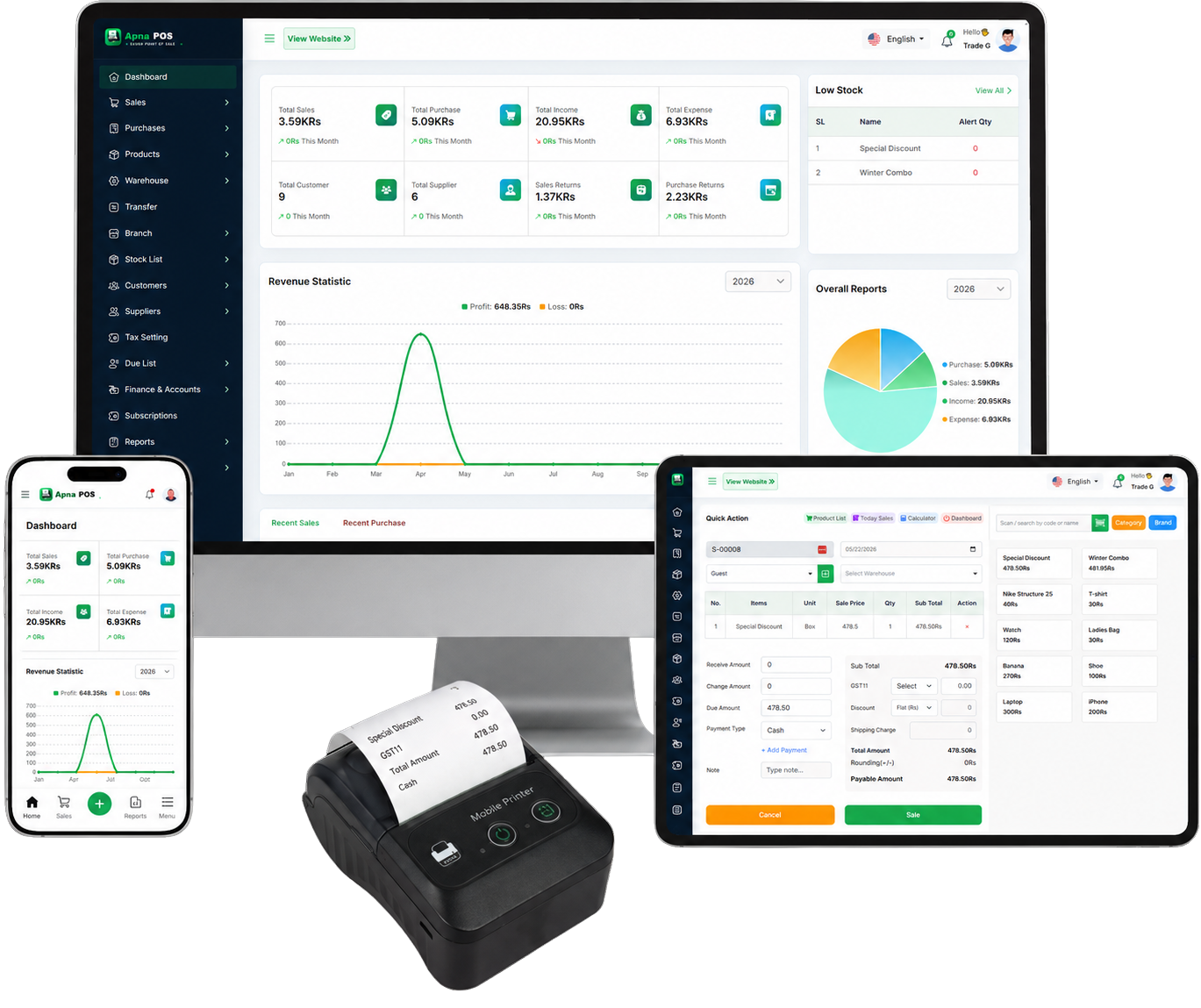
Create POS sales, manage customers and keep invoices organized so the counter can move faster during busy hours.
Track products, stock, purchases and supplier records so fast-moving retail items do not disappear from view.
Use sales, stock, expense and profit/loss reports to understand daily performance and plan purchases.
Retail POS Software in Pakistan needs to be practical for the owner and simple for staff at the counter. ApnaPOS focuses on the daily work that matters most: creating sales, managing products, recording purchases, tracking customer dues, checking stock and reviewing reports. This keeps the page focused on real POS workflows instead of unsupported marketing claims.
A shop can start by adding products and opening stock, then use POS sales for daily billing. Purchases can be recorded when suppliers deliver stock, while customer dues and payments can be tracked through the parties and due list workflow. At closing time, the owner can review sales, expenses, stock and profit/loss reports instead of manually adding register pages.
For Pakistan-focused businesses, clear yearly pricing is also important. ApnaPOS shows Silver Plan at Rs 8,000/year and Gold Plan at Rs 15,000/year, both with a 7 days free trial. Silver is suitable for many small shops, while Gold is positioned for growing and multi-branch businesses where branch features are enabled.
Use the related pages below to compare pricing, read POS guides and book a demo. The goal is to help each business choose a POS setup that matches its real billing, inventory, purchase and reporting needs without adding features that the current app does not support.
For best results, prepare a clean product list, decide opening stock quantities, add supplier and customer records, and train staff to enter every sale through POS sales. Review reports at the end of each day, then adjust purchases based on actual stock movement. This practical routine helps ApnaPOS become a daily shop management system, not just a billing screen.
If your team is moving from manual registers, start with one counter and one product category first. Once the staff is comfortable, add more products, dues and purchase records so the reports become more complete over time.
Yes. ApnaPOS supports products, stock, purchases and sales reports.
The public pricing and feature data describe ApnaPOS as mobile plus PC cloud access.
Try billing, inventory, purchases, customer dues, expenses and reports with a 7 days free trial.
Start 7 Days Free Trial